
Cobb County Court Docket Basics
A docket is the court's running case log. In Cobb County, docket entries can show a filing date, hearing date, case number, party names, event type, disposition, and sometimes a document or judgment reference. The docket helps show movement through the case, while the full file may hold pleadings, motions, orders, exhibits, certified copies, and other documents. That distinction matters because a docket can confirm that a hearing or order exists without giving the full text of every document.
Cobb court dockets are divided by court. State Court dockets cover traffic, misdemeanors, and civil lawsuits not reserved to Superior Court. Magistrate dockets cover small claims, dispossessory cases, preliminary criminal matters, warrants, and ordinance payments. Probate dockets can show estate, guardianship, conservatorship, marriage-related, and mental-health case status when public. Municipal dockets cover city traffic and ordinance cases from local police departments.
| Docket Source | Common Use | Where It Fits |
|---|---|---|
| State Court | Traffic, misdemeanors, civil cases | County State Court portal and clerk support. |
| Magistrate Court | Small claims, evictions, warrants, minor criminal | Magistrate search and case-management records. |
| Probate Court | Estates, guardianships, conservatorships | Probate case status and calendar search. |
| Municipal Court | City traffic and ordinance cases | Issuing city court unless bound over. |
Find Cobb County Court Dockets Online
The State Court Court Connect announcement is the key local docket source for State Court matters. Cobb research says the State Court Clerk released an enhanced online docket search integrated with the court's case-management system and offers help at 770-528-2600 or 770-528-1257. For State Court records, the public search can locate cases by name and date, case number, citation number, or tag number, then the user can confirm court dates and track docket entries.
The manifest image from State Court Court Connect documents Cobb's docket-search channel.
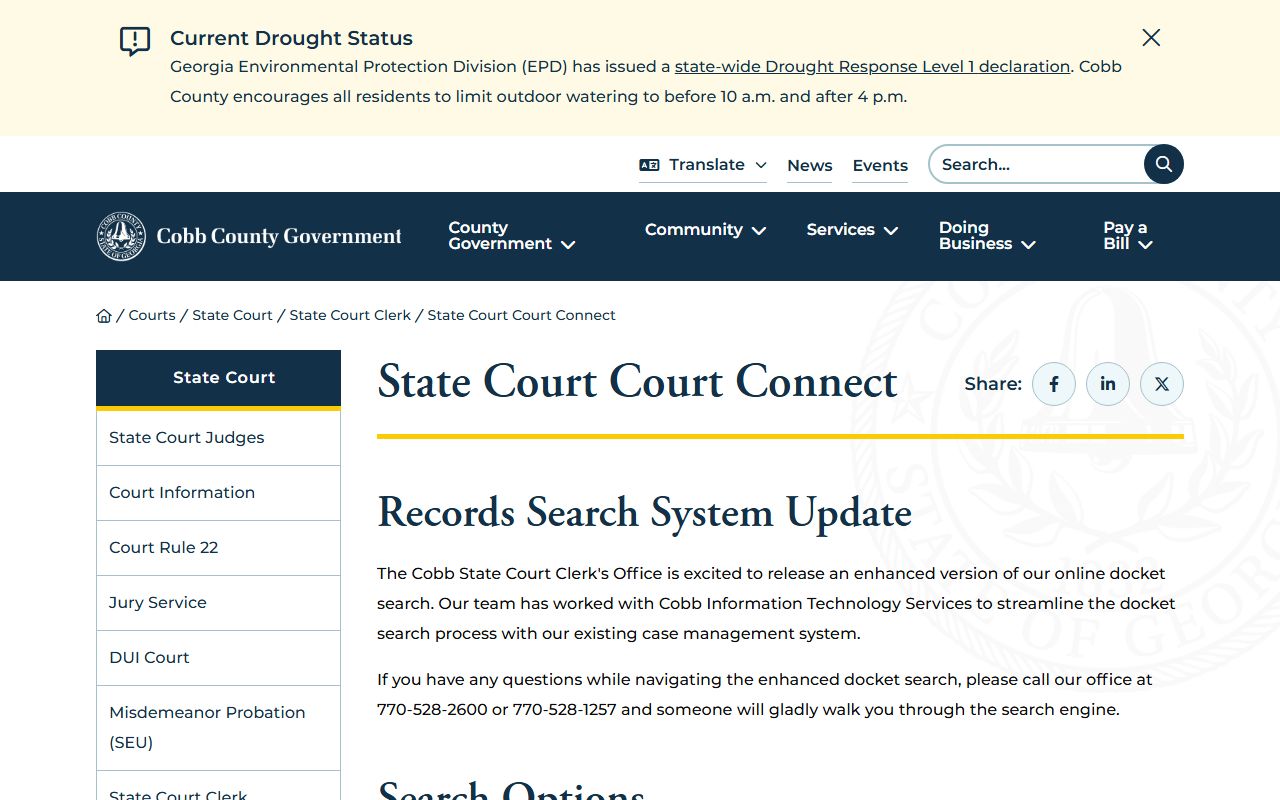
That State Court channel is the better fit for unincorporated-county traffic, misdemeanor, and State Court civil docket searches.
- Choose the court first, because a Cobb County court docket can be in State, Superior, Magistrate, Probate, Juvenile, or Municipal Court.
- Open the court's official search page and choose the best tab, such as name, case number, citation number, or tag number.
- Enter enough details to narrow the docket, including filing date range or date of birth year when the form allows it.
- Review docket entries for hearing dates, filings, orders, judgments, disposition, and next settings.
- Call or visit the clerk if the online docket conflicts with a notice, court date, or official copy.
Sample Cobb County Docket Fields
Cobb's research did not capture a full sample public docket sheet, but it did identify the fields and record elements shown or expected across the official search tools. State Court traffic materials say users can find the court-assigned case number, confirm the court date, and track docket entries. Magistrate research says users can search case, document, and judgment information after running a search. Probate Court says the calendar or docket can be searched by date and/or judge.
| Field | What It Shows |
|---|---|
| Case Number | The court-assigned identifier, including formats such as 24-A-12345 for State Court examples. |
| Court or Case Category | Whether the docket belongs to civil, criminal, traffic, probate, or another court category. |
| Party Name | The person, business, plaintiff, defendant, petitioner, or respondent tied to the case. |
| Entry Date | The date a filing, hearing, order, judgment, or other event was entered. |
| Docket Event | The hearing, filing, motion, order, judgment, citation status, or disposition noted by the court. |
| Court Date | The scheduled appearance or hearing date when the docket includes calendar data. |
| Disposition | The outcome, such as judgment, dismissal, paid citation, plea, sentence, or other final action. |
A docket entry is not always the whole record. A short entry may say that an order was entered, while the order itself must be requested from the clerk or viewed through a document-access channel when available.
Cobb County Courts With Dockets
State Court and Magistrate Court are the strongest researched docket channels for day-to-day public lookup. The Magistrate Judicial Records Search page supports name, case number, and citation search options for Magistrate cases. The research notes that the user guide recommends narrowing broad searches and says only the first 5,000 records are retrieved. This matters for eviction, small-claim, warrant, and preliminary criminal docket work.
The manifest image from the Magistrate Judicial Records Search page shows the official Cobb County court docket route for Magistrate matters.
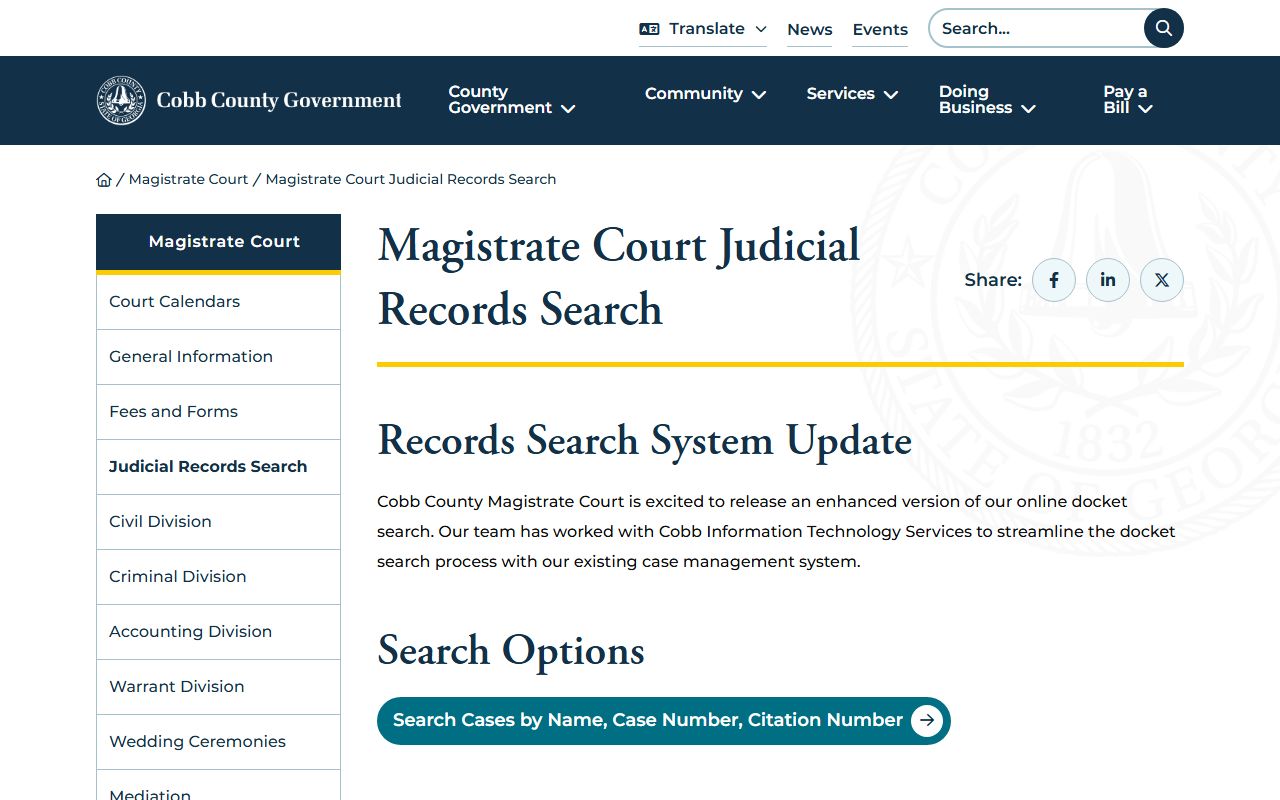
Magistrate dockets are separate from State Court traffic and misdemeanor dockets, even when a criminal matter later moves to another court.
- Superior Court: felony, divorce, title-to-land, equity, and broad civil or criminal case dockets through Superior Court records channels.
- State Court: traffic, misdemeanor, and civil dockets, including court dates and docket entries tied to State Court cases.
- Magistrate Court: small claims, dispossessory, warrant, ordinance, and preliminary criminal docket activity.
- Probate Court: estate, guardianship, conservatorship, and case-status dockets when the matter is public.
- Municipal Courts: city traffic and ordinance dockets in Marietta, Smyrna, Powder Springs, Acworth, Kennesaw, and Austell.
Cobb County Probate and Municipal Dockets
Probate Court has its own docket path. The Cobb Probate Court Case Status and Records Search lets users search case status and the court calendar by date and/or judge. Probate Court handles estates, guardianships, conservatorships, mental-health matters, marriage-related probate work, and weapons carry matters. Some of those records are public, while mental-health and capacity-related records can be restricted because they contain medical or personal information.
The manifest image from the Probate case status portal shows a separate Cobb County court docket channel outside State and Magistrate Court.
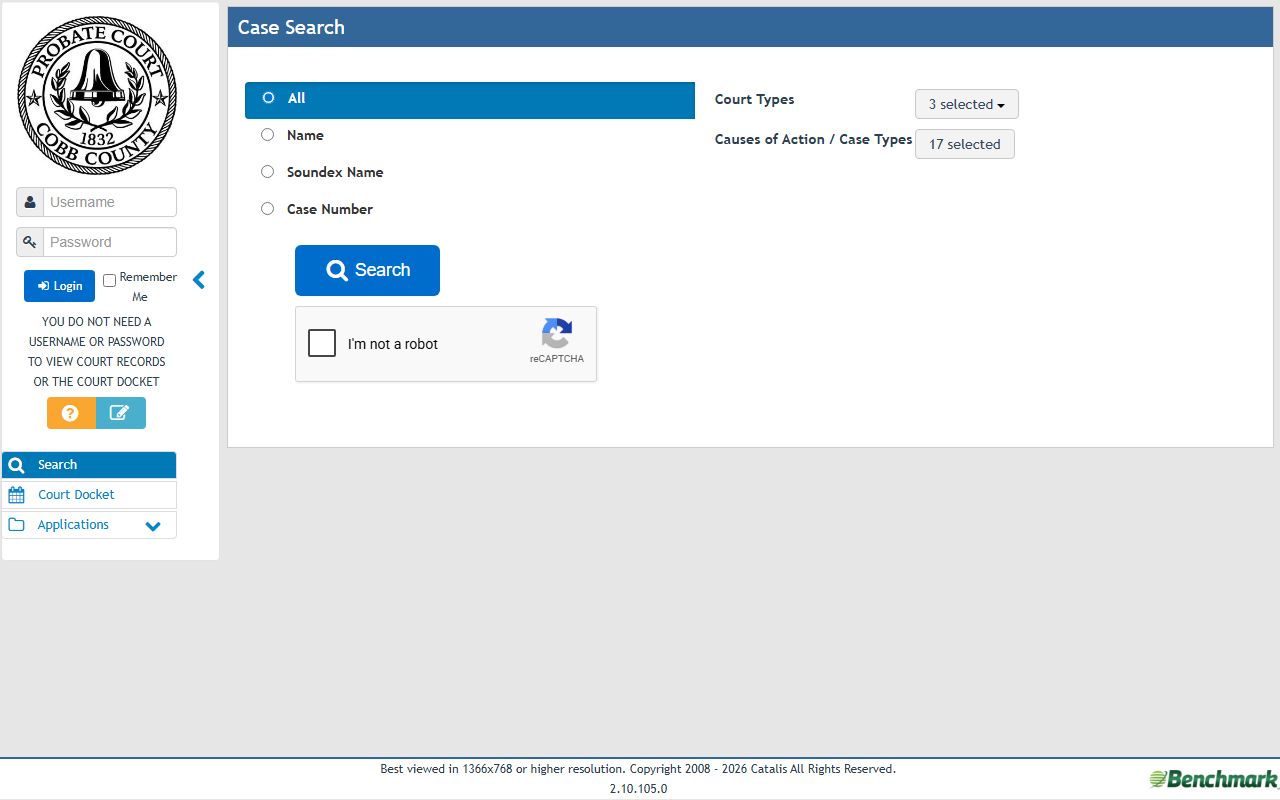
Use the Probate Court channel for estate and guardianship status rather than looking for those dockets in State Court.
Municipal dockets are local to the city that issued the citation or ordinance case. Marietta Municipal Court handles city traffic and local ordinance matters, with the research listing 240 Lemon Street and clerk hours from 8 a.m. to 5 p.m. The Marietta lobby payment window runs 8 a.m. to 4:30 p.m., and its drive-through payment window runs 8 a.m. to 4 p.m. City cases where a jury trial is to be held are bound over to Cobb State Court.
The manifest image from Marietta Municipal Court shows one of the city-level court docket sources in Cobb County.
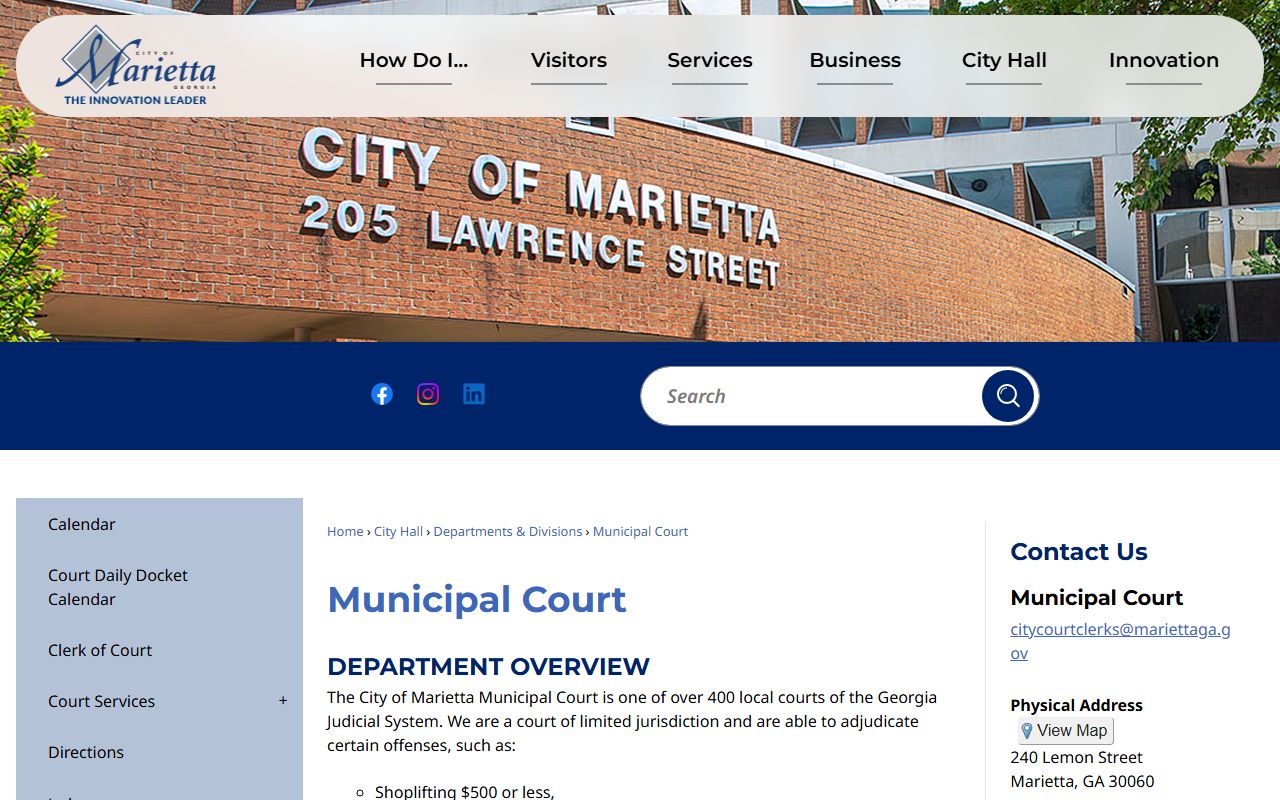
A city traffic docket may not appear in a county State Court search until the case is transferred or otherwise handled by State Court.
Cobb County Docket vs Case Record
A Cobb County court docket is best for tracking case movement. A full court record is better for legal review, certified copies, pleadings, orders, and final documents. For example, a docket may show that a motion was filed, a hearing was set, or a judgment was entered. The full case file may contain the motion text, signed order, service return, sentencing sheet, exhibit, or certified decree. Users who need a full criminal case file should use the Cobb County criminal court records path rather than relying on the docket alone.
| Docket | Full Case Record | |
|---|---|---|
| Format | Chronological list of entries. | Documents, orders, pleadings, and docket history. |
| Best use | Track case progress and court dates. | Review the actual court file or obtain certified copies. |
| Access route | Often searchable online by court. | May require a clerk request, fee, or in-person visit. |
| Limits | May omit full document text. | May include sealed, redacted, or non-public material limits. |
Note: Official records control if an online Cobb County court docket conflicts with the clerk's case-management record.
Read Cobb County Docket Entries
Docket terms are short because they are built for court tracking. An arraignment is the hearing where charges are read and a plea is entered. A motion is a request asking a judge to order something. An order is the judge's written ruling. A judgment is a final civil decision. A disposition is the final outcome of a charge or case. A continuance means a hearing or trial was postponed.
For traffic cases, Cobb State Court materials say the record can be used to find the court-assigned case number, confirm the court date, and track docket entries. Paying a citation can forfeit bond on the court date and serve as final disposition when the citation is payable. For criminal cases, the docket may show charges, arraignment, motions, plea, verdict, disposition, sentence, and probation terms, but the case file is still maintained by the proper clerk.
Cobb State Court terms also matter for reading docket timing. The research notes two-month court terms: January/February, March/April, May/June, July/August, September/October, and November/December, with each new term starting on the first Monday of the month. That term structure can affect how older docket entries, continuances, and trial settings are grouped in court records. If a hearing notice does not match the online docket, use the clerk contact on the notice before relying on a portal result. Keep the notice.
The Probate Court landing page image in the manifest reinforces that Probate keeps separate calendar and record access for its own case types.
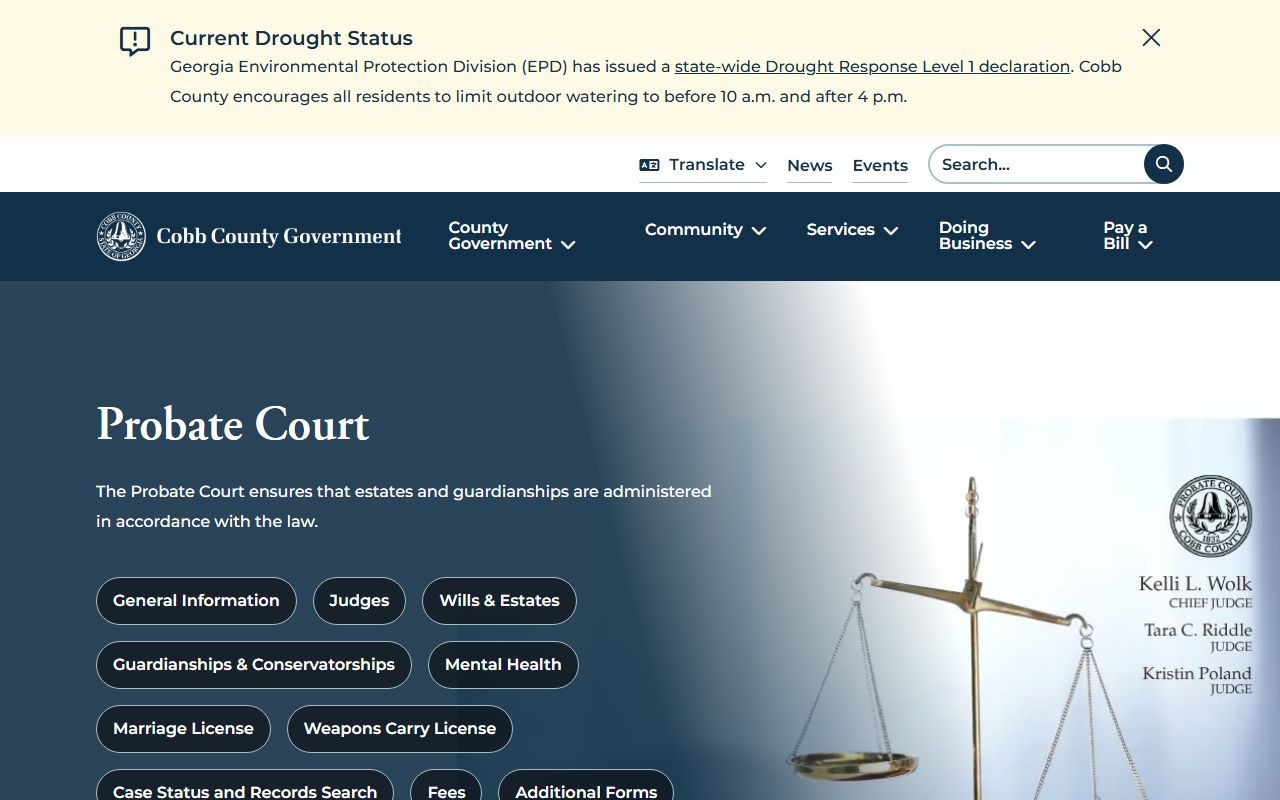
That separate Probate access channel is important because estate and guardianship dockets are not State Court traffic or misdemeanor dockets.